
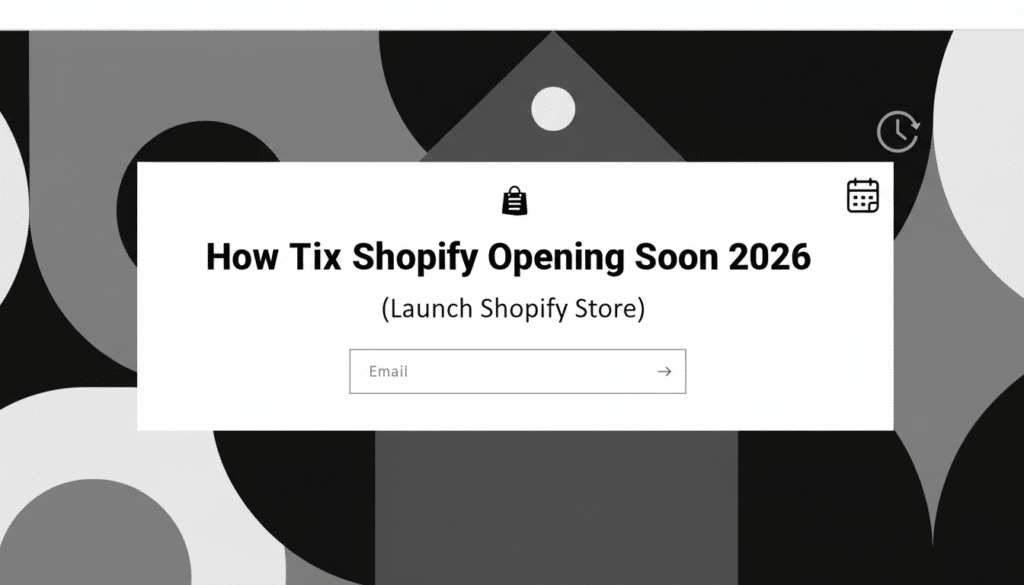
In today’s guide, I’m going to be showing you guys how you can fix the Shopify opening soon issue.
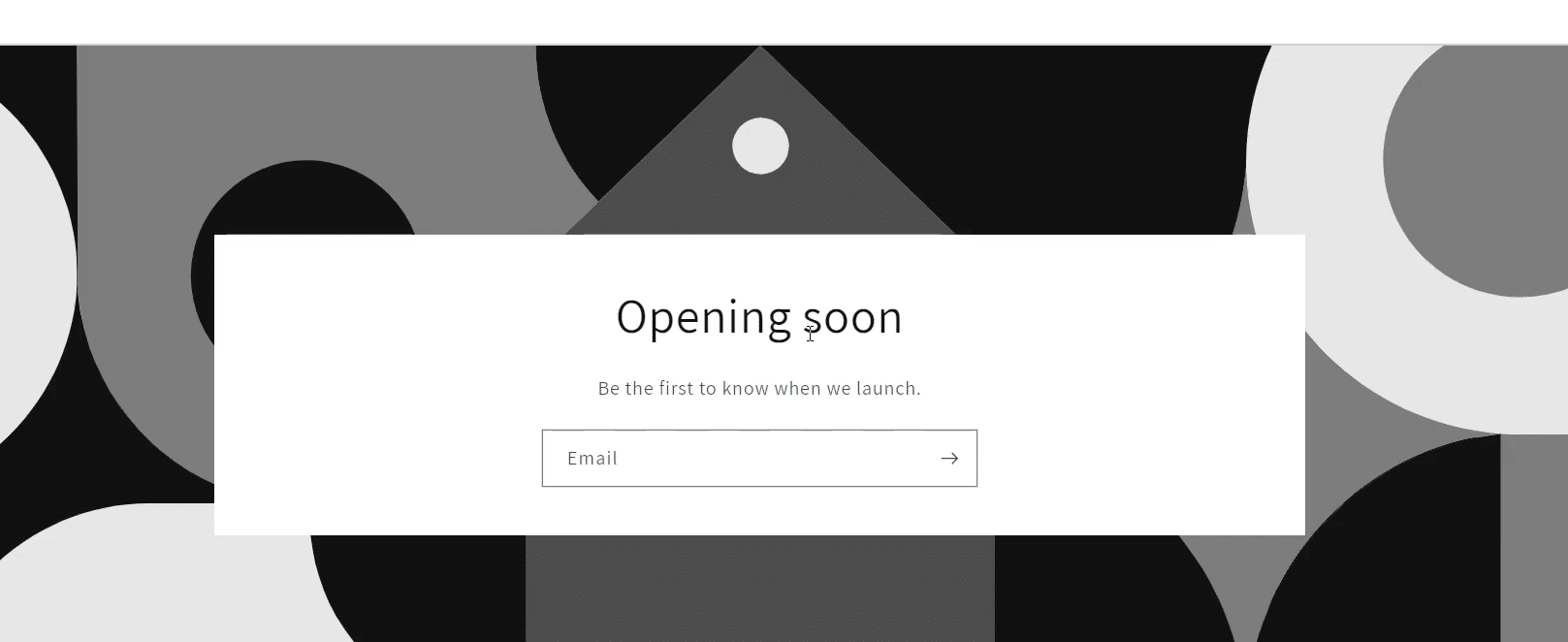
So a lot of people run into this where they open their store link and they see a screen that says “Opening soon”. And sometimes it also asks for a password—like it says “Enter using password”—so basically you can’t access your products or view the store properly unless you enter the password.
Don’t worry, it’s a simple fix.
By the way, I’m Mayantha Randunu, a Shopify and WordPress developer, and I’ll keep this step-by-step and easy.
Step 1: Log in to Your Shopify Admin
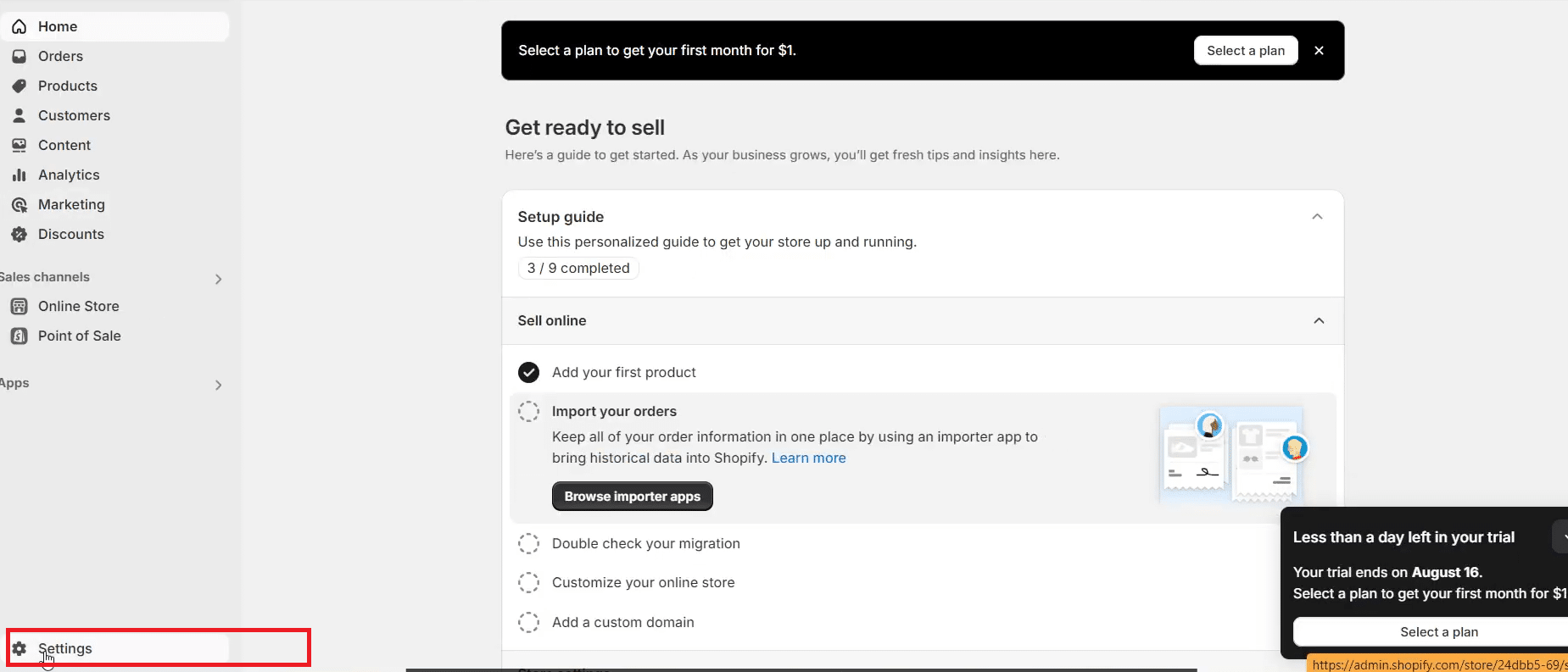
First thing you want to do is go to your Shopify store admin and log in.
Once you’re inside your Shopify dashboard:
- Look at the bottom-left side
- Click Settings
Step 2: Check Your Plan (This Is Important)
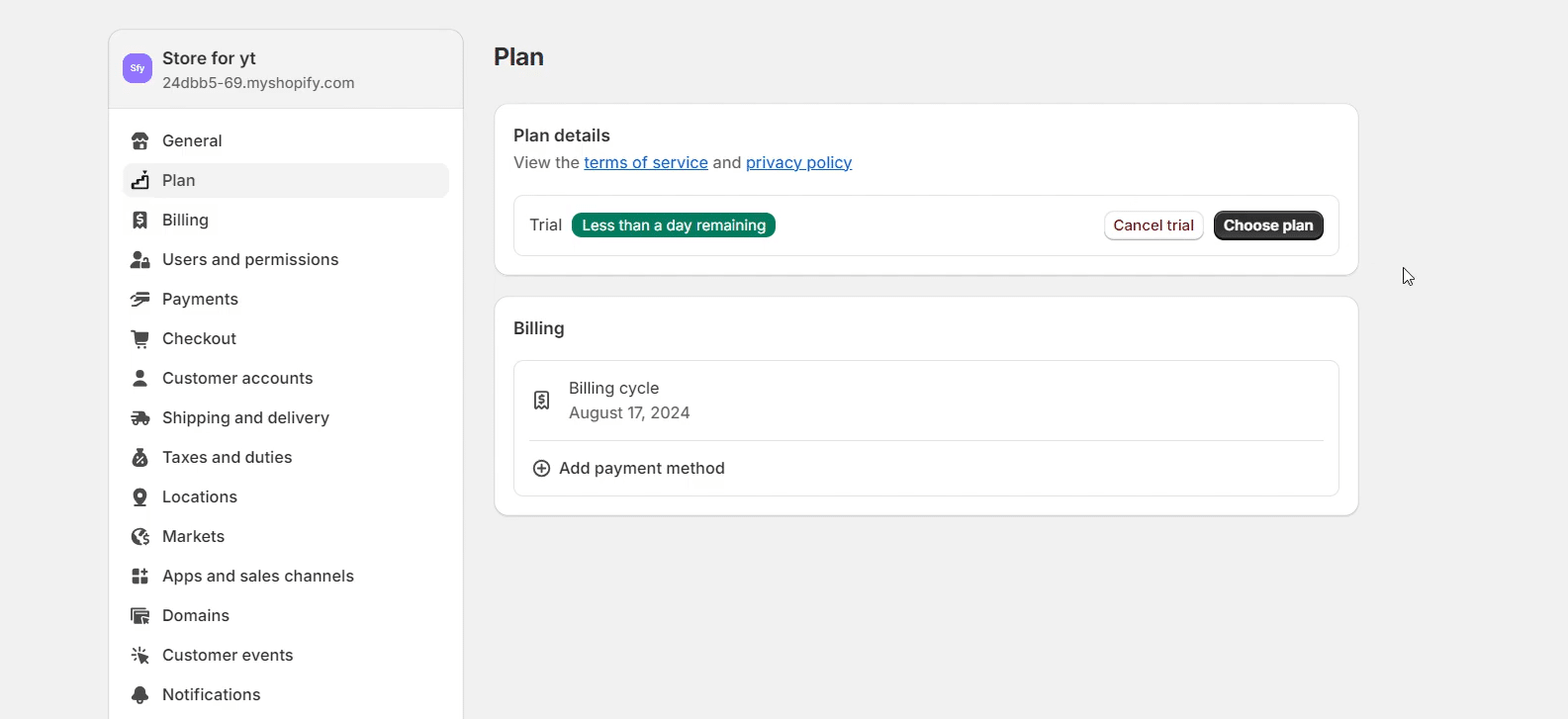
After you click Settings, you want to click on:
- Plan
Now make sure you’ve actually selected a plan. This is very important.
If you haven’t chosen a plan yet, you’ll see an option like:
- Choose a plan
And you may see the Shopify promo where you pay something like $1 to start. So go ahead and select your plan if you haven’t done that already—because sometimes your store won’t properly “go live” without that.
Step 3: Disable the Password / Opening Soon Mode
If you already have a plan selected, then do this:
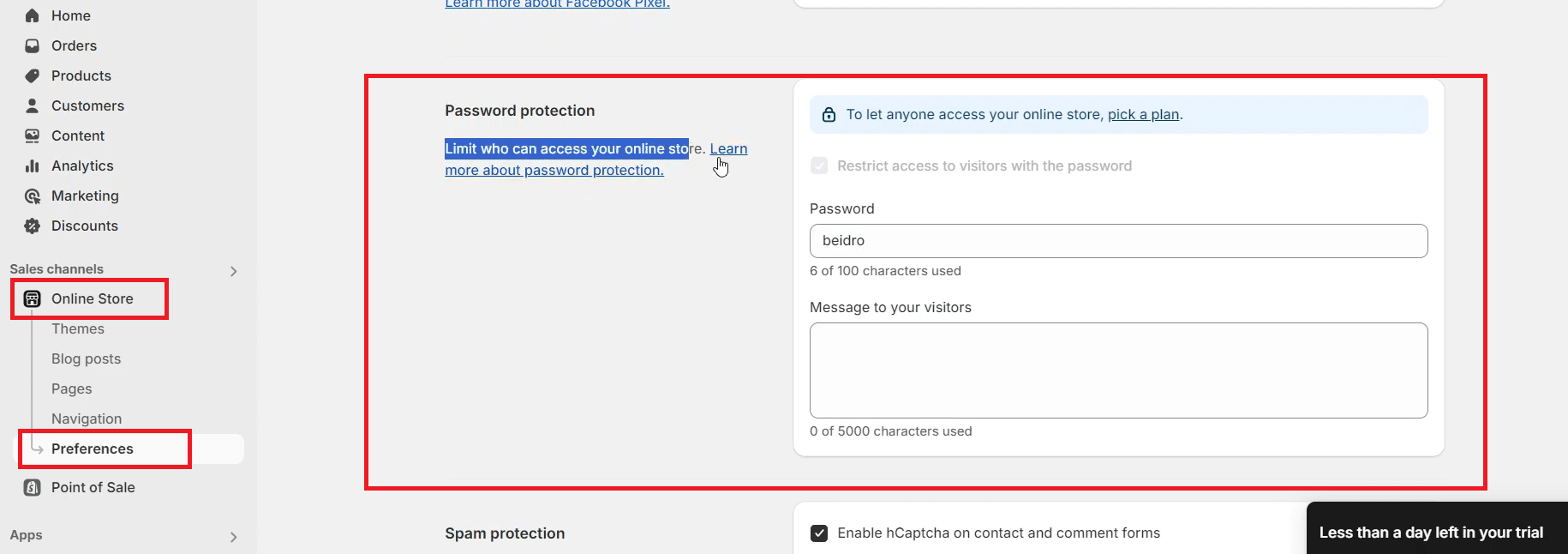
- Go to Online Store
- Click Preferences
- Scroll down until you see the section that says something like:
“Limit who can access your online store” - Now you want to uncheck the option that restricts access, something like:
“Restrict access to visitors with the password” - Remove the password (if there’s one filled in)
- Click Save
After you click Save, the issue should be resolved and you will not see the Shopify opening soon page anymore.
Step 4 (If It’s Still Showing): Check Your Apps (Important)
Now if the problem is still there even after you removed the password, then you want to check your apps—because sometimes an app is doing it.
For example, some people install PageFly (or similar apps) and certain page builder / maintenance apps can temporarily close your store. And if someone visits your store, it will display something like Shopify coming soon / opening soon.
So here’s what you do:
- Go to Apps
- Go to Apps and sales channels
- Look for anything like PageFly (or any maintenance/coming soon app)
- If you find the app that’s causing it, either:
- Disable the setting inside the app, or
- Delete the app if you don’t need it
Once that’s done, refresh your store link and the “opening soon” screen should be gone.
Quick Recap: Fix Shopify Opening Soon
To fix shopify opening soon, make sure you:
- Select a Shopify plan (if you haven’t)
- Remove password protection in Online Store → Preferences
- Check apps that might be forcing a coming soon screen
Wanna find out the 10 Top Shopify Apps Every Store Owner Needs – 2026?
If you have any questions, let me know—I’m happy to help.
