
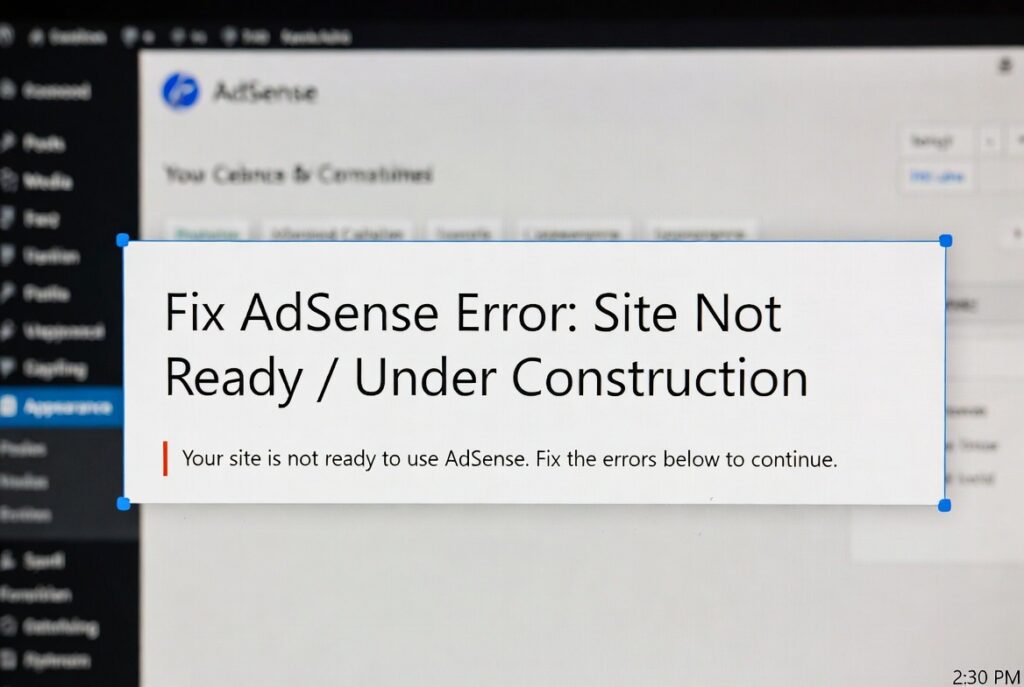
AdSense Error Site Not Ready / Under Construction – Fixed
Why is my website showing AdSense Site Not Ready / Under Construction error?
The Problem
Free – Top Rated Freelancer
Quick Complete Guide
✅ 1. Understand why you got the AdSense Site Not Ready error
Google may see your site as incomplete due to:
✔ “Coming Soon” or maintenance mode enabled
✔ Password-protected or restricted pages
✔ No real content published
✔ Empty homepage or demo content
✔ Website not indexed by Google
✔ Newly created site with no authority
✅ 2. Disable coming soon / maintenance mode
Check your website carefully.
❌ Disable plugins like:
-
Coming Soon
-
Maintenance Mode
-
Under Construction
✔ Your site must be publicly accessible without login
Test:
👉 Open your site in Incognito mode
👉 Open from mobile & desktop
✅ 3. Publish real content (very important)
Your site must look complete and useful.
Minimum requirement:
👉 10–15 quality articles
👉 Each article 800–1000+ words
👉 No dummy or lorem ipsum text
Content must be:
✔ Original
✔ Helpful
✔ Well-structured
✔ Human-focused
✅ 4. Fix important pages
Before applying again, create these pages:
✔ About Us
✔ Contact Us
✔ Privacy Policy
✔ Terms & Conditions
These pages show trust and legitimacy to Google.
✅ 5. Check Google indexing
Your site must be visible to Google.
Steps:
👉 Open Google Search Console
👉 URL Inspection → Test homepage
👉 Make sure it says “URL is on Google”
If not:
✔ Submit sitemap
✔ Request indexing
✅ 6. Improve website structure
Google prefers clean websites.
✔ Clear navigation menu
✔ Categories with real posts
✔ Internal links between articles
✔ Mobile-friendly design
Avoid:
❌ Empty categories
❌ Broken links
❌ Poor layout
✅ 7. Remove ads, popups & scripts
Before approval:
❌ Remove all ad scripts
❌ Disable popups & redirects
❌ Remove aggressive affiliate banners
Your site should look clean and informational.
✅ 8. Wait some time (new sites)
If your site is very new:
👉 Wait 7–14 days
👉 Publish more content
👉 Let Google crawl your pages
Applying too fast may cause rejection again.
🚀 9. Request AdSense review again
After fixing everything:
✔ Double-check site access
✔ Update sitemap
✔ Apply again in AdSense
🎯 Summary
To fix AdSense Error Site Not Ready / Under Construction error:
👉 Disable coming soon mode
👉 Publish real, quality content
👉 Fix About, Contact & Policy pages
👉 Ensure Google indexing
👉 Remove ads & popups
👉 Apply again after improvements
Do this to solve AdSense Error Site Not Ready → AdSense approval chance becomes very high ✅
Can't find the service you need?
Tell us your specific request, and we’ll find the perfect expert for you.

Mayantha Randunu
Founder of Fixerlinks with 7+ years building websites and software, and matching clients with vetted freelancers.
Some of the links on this website are affiliate links. This means if you click and make a purchase or sign up, we may receive a small commission — at no extra cost to you. We only recommend products or services that we believe will add genuine value to our readers.